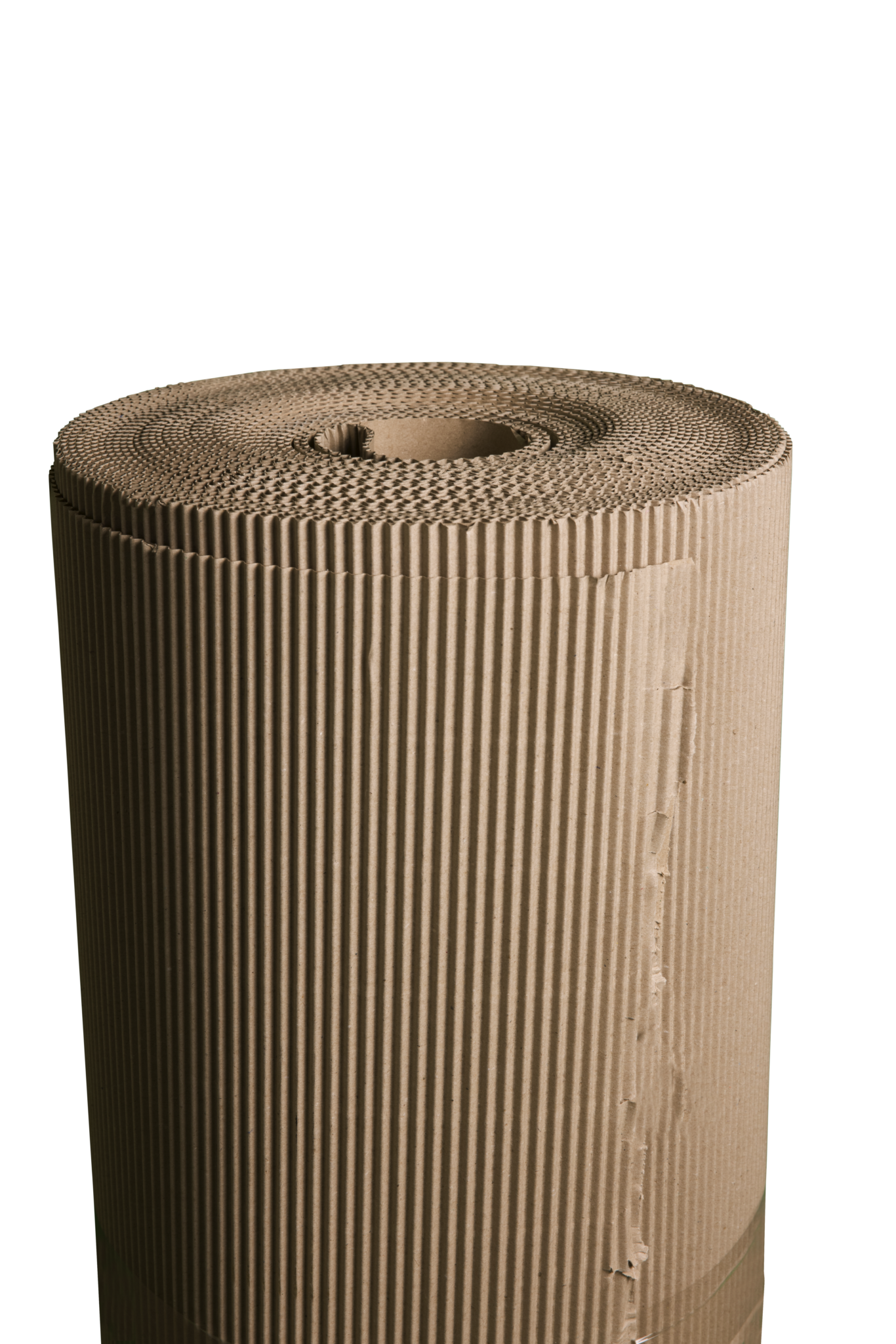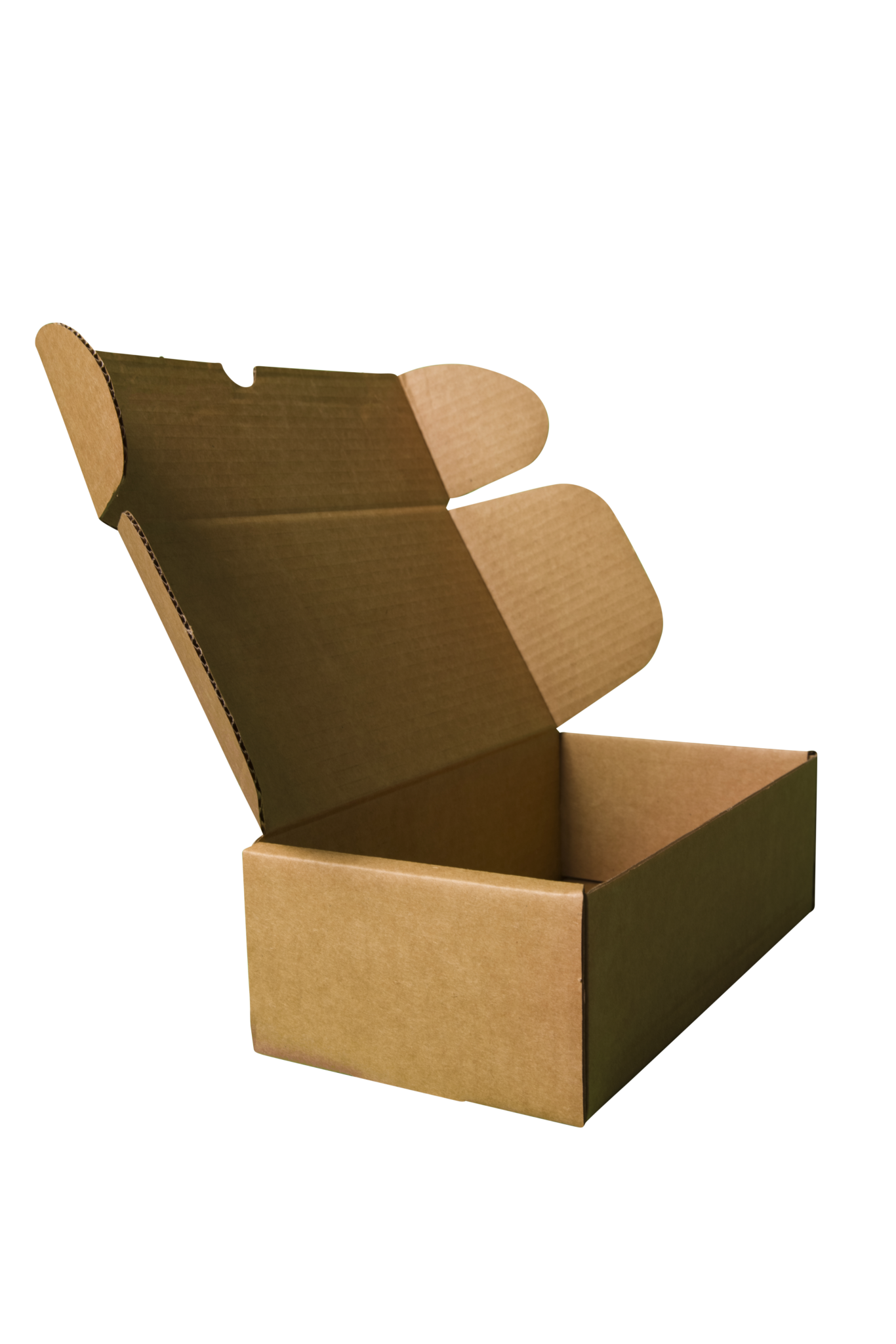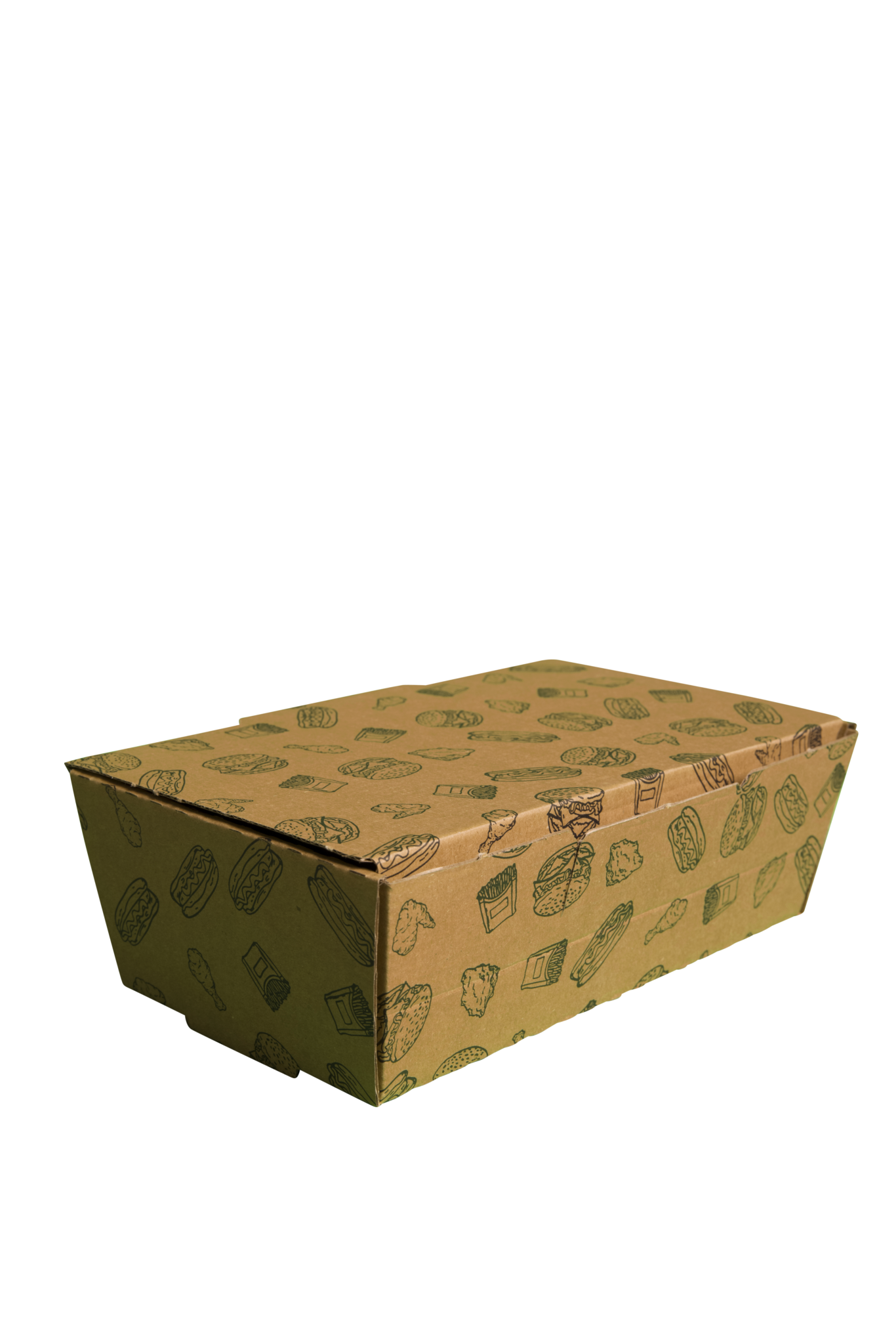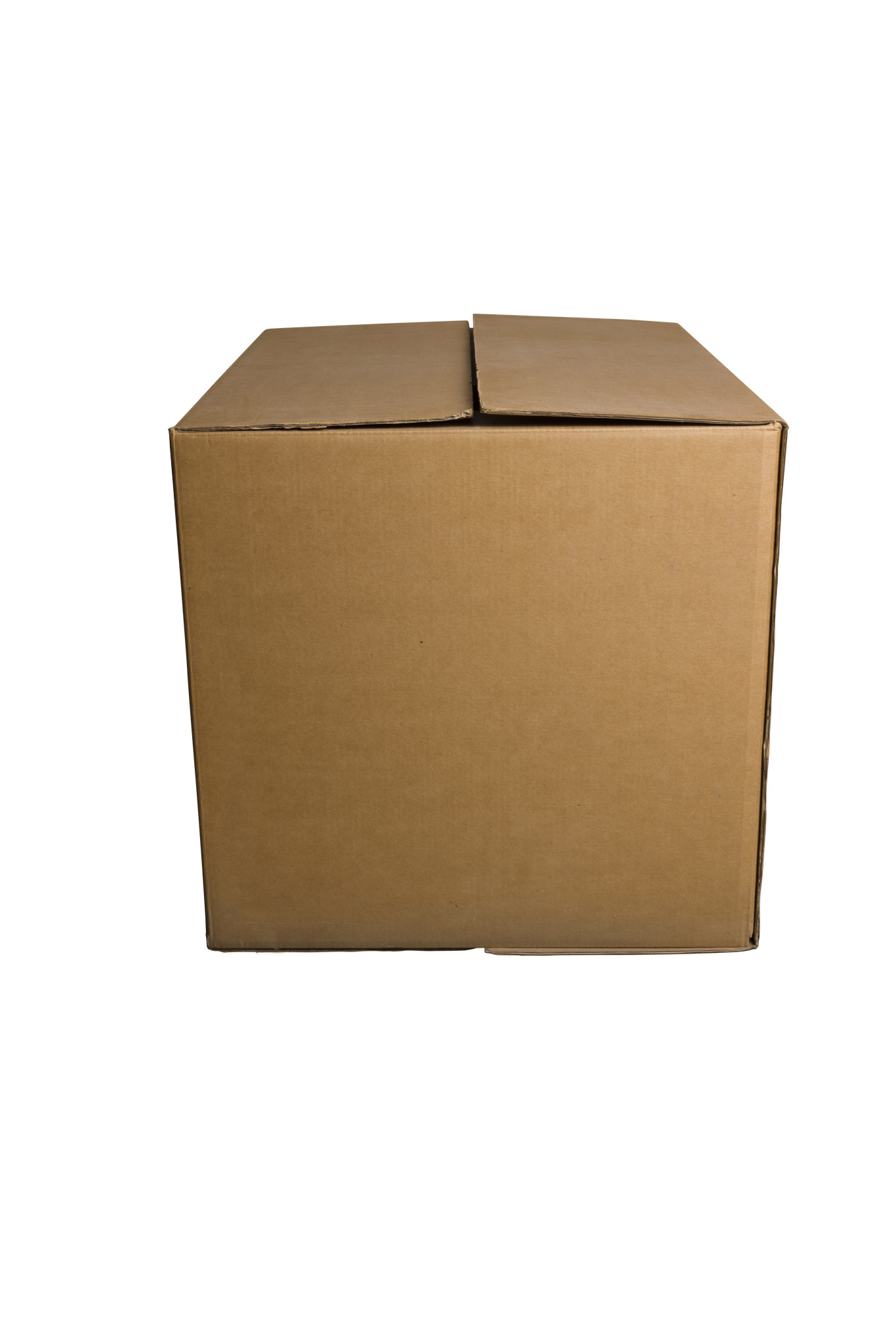
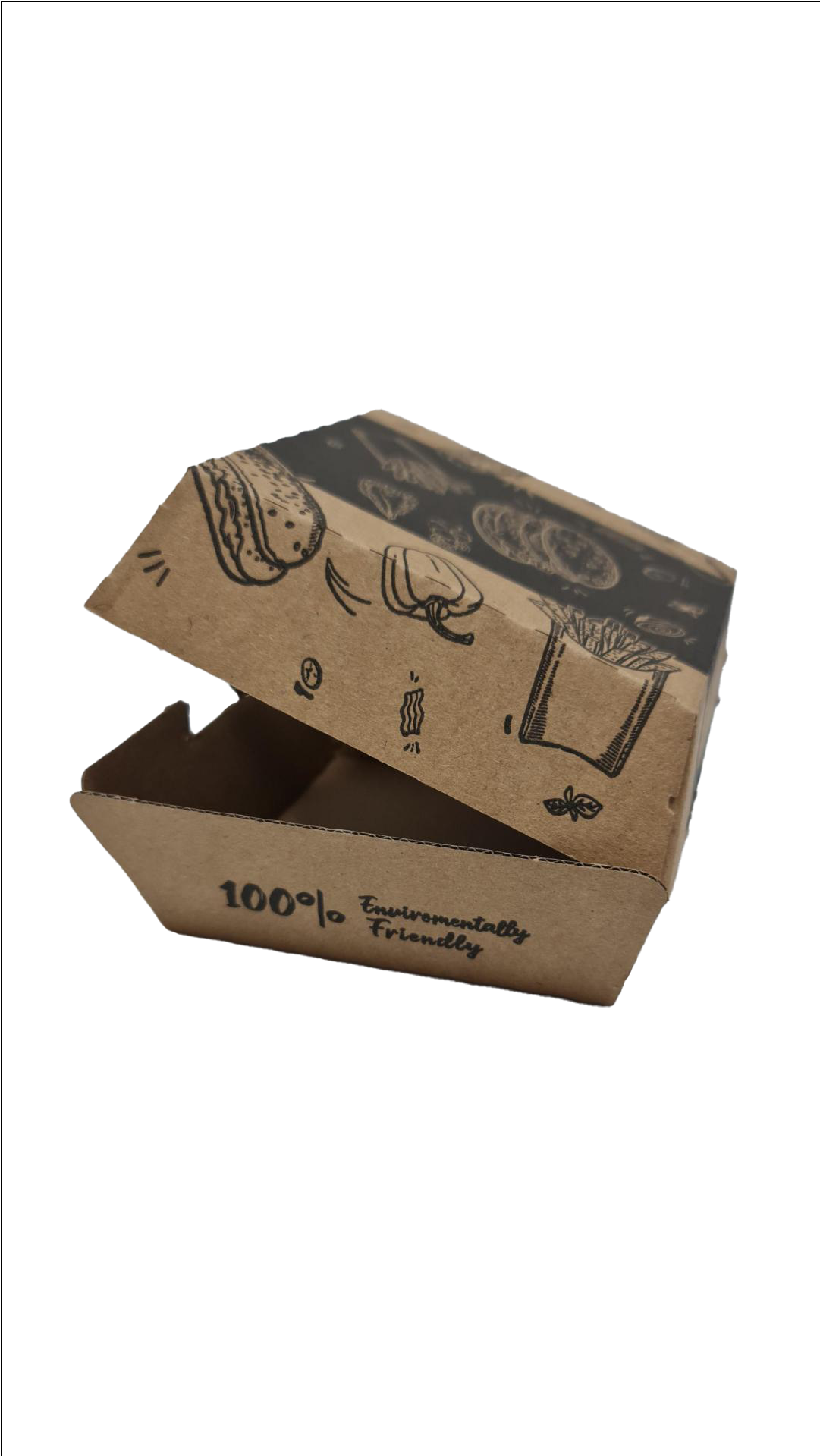
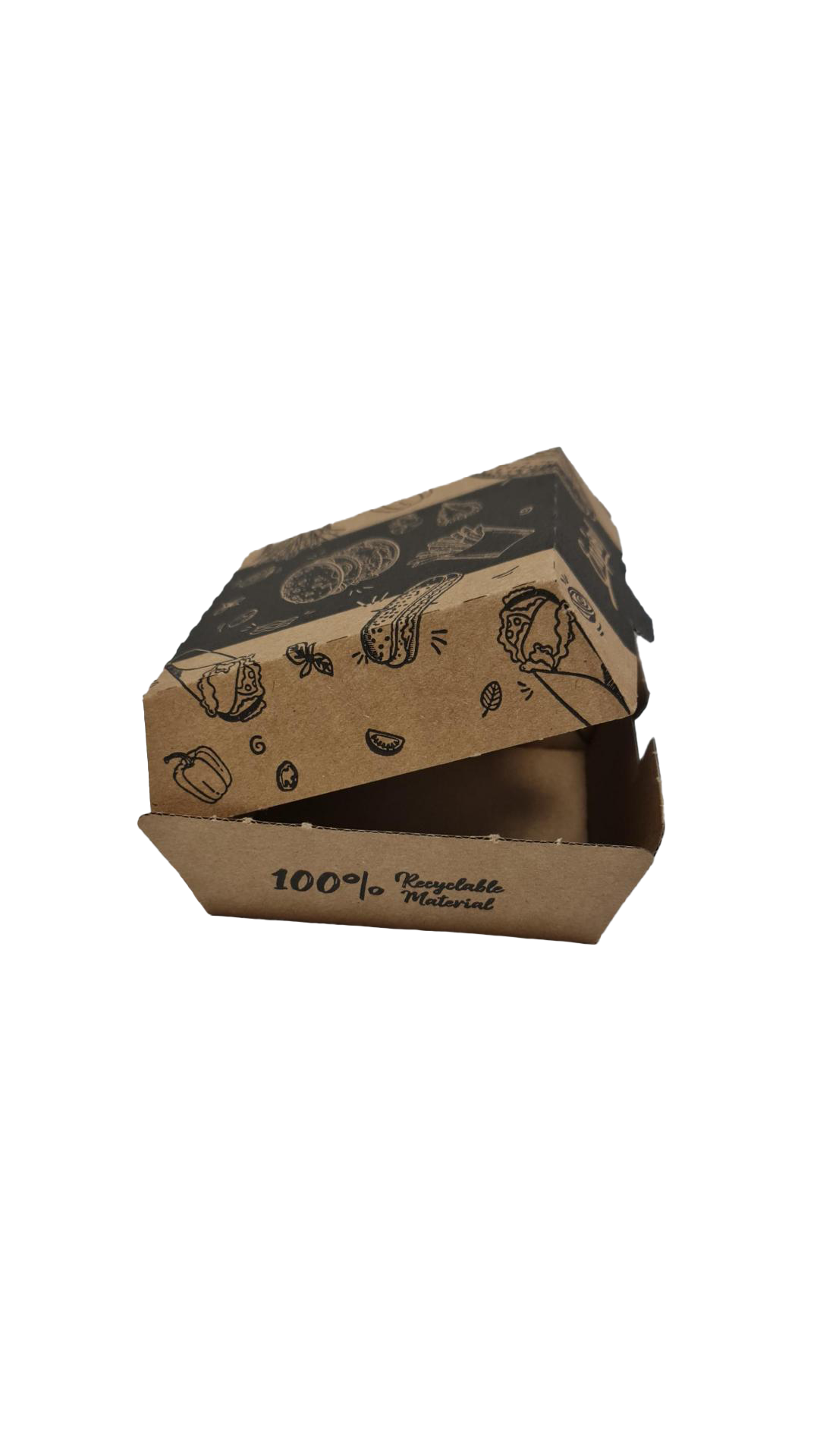
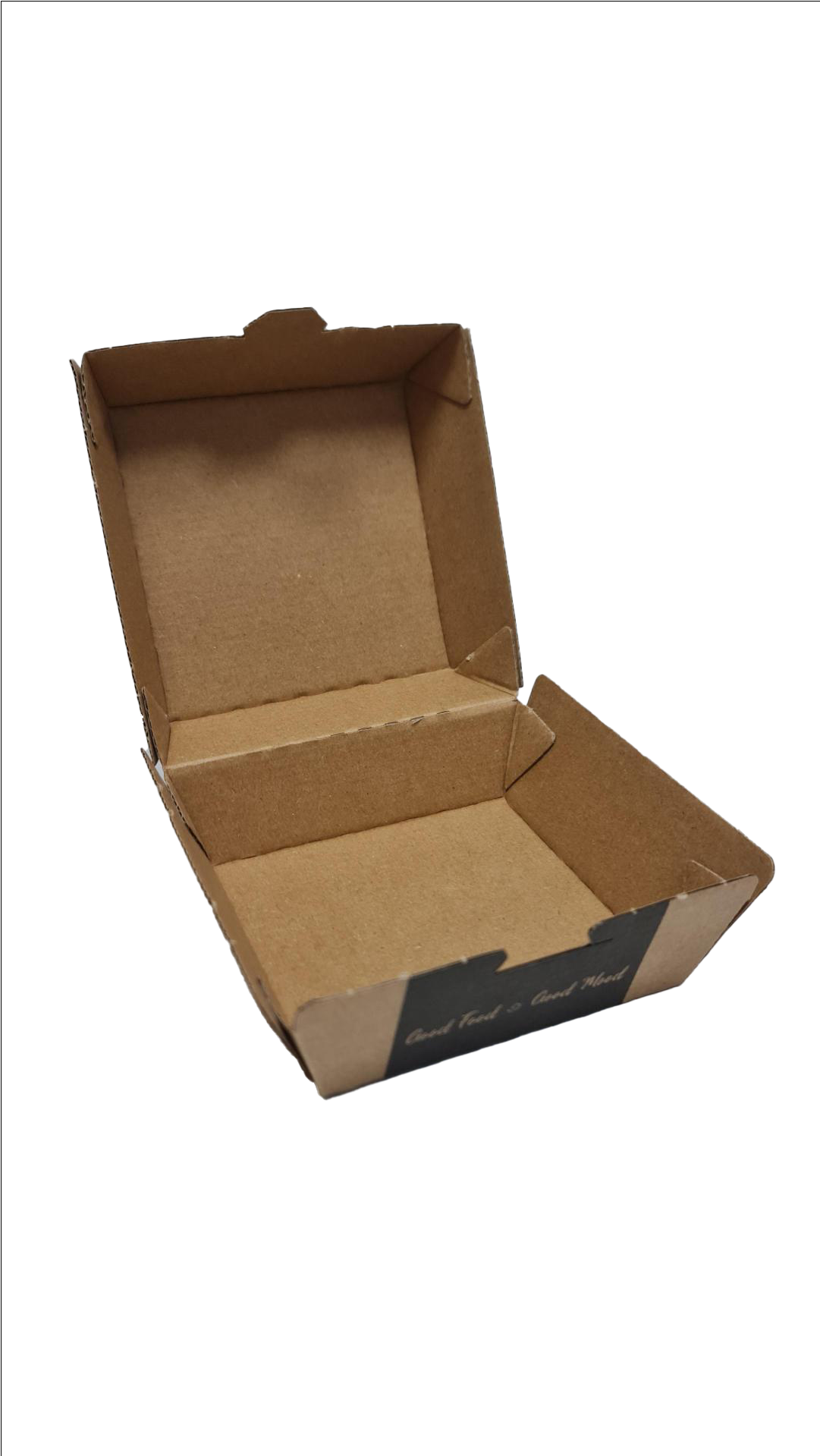
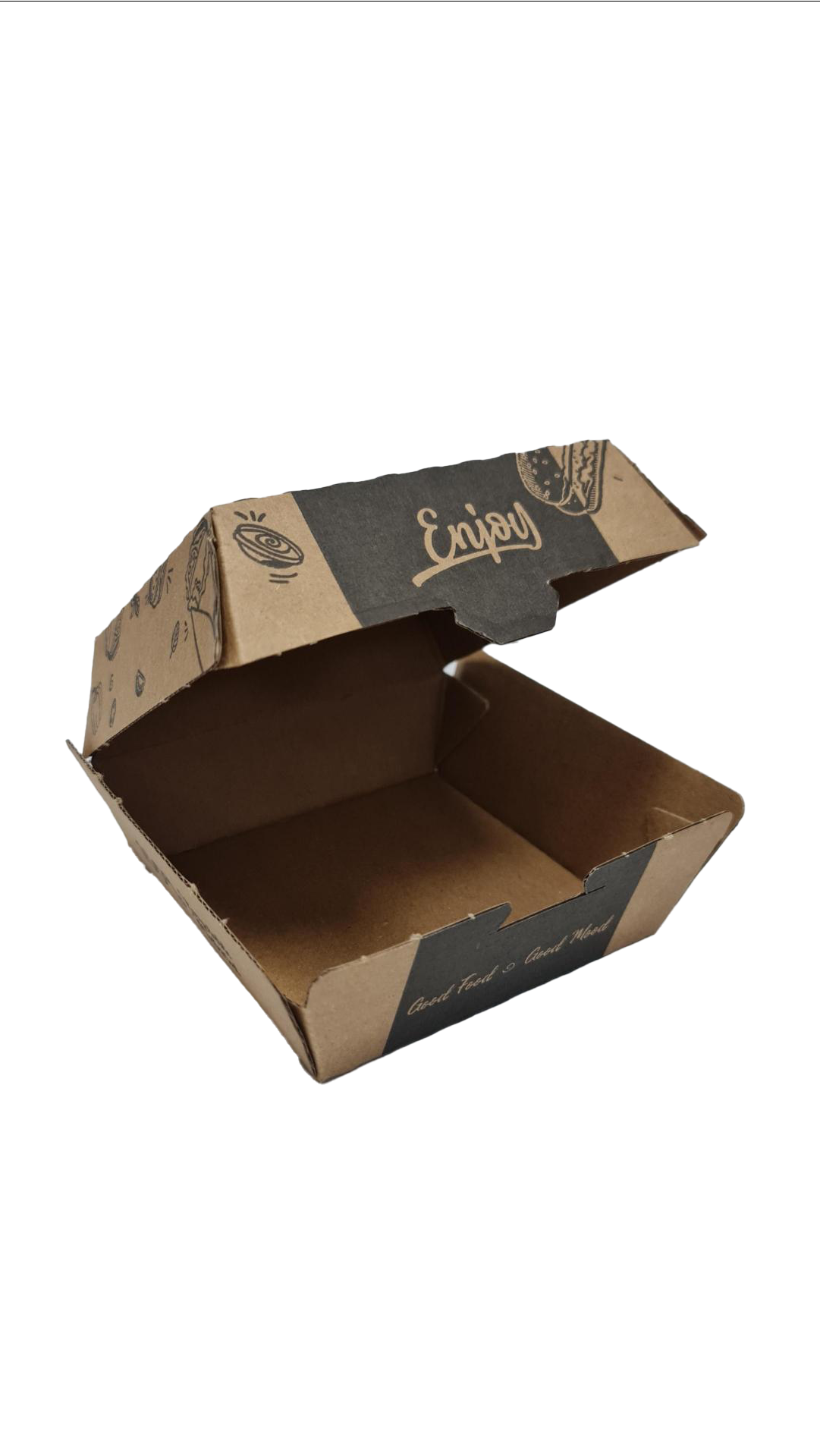
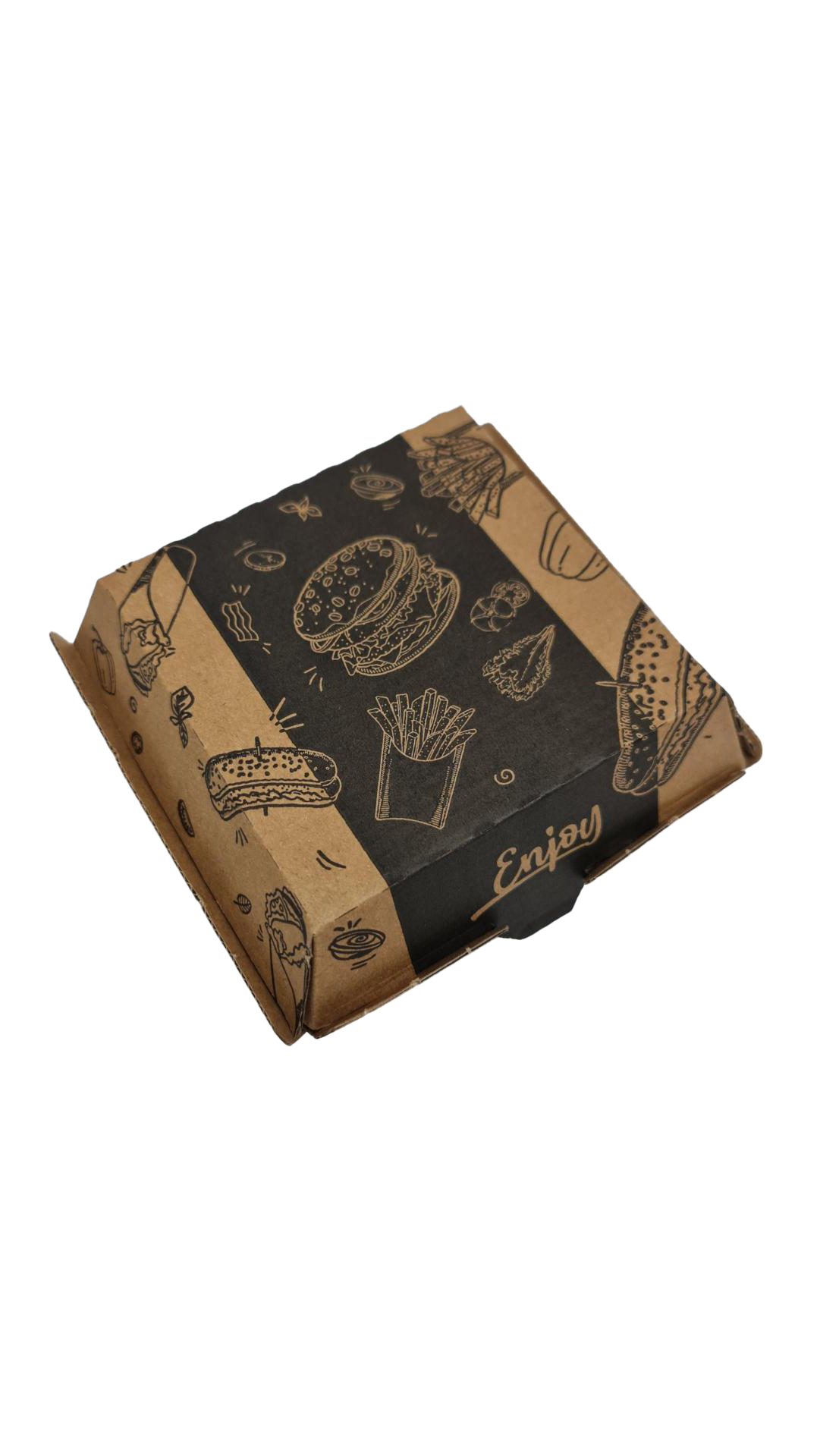
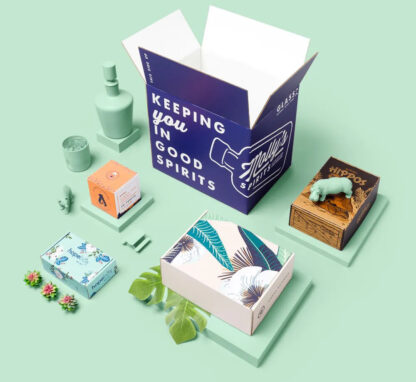
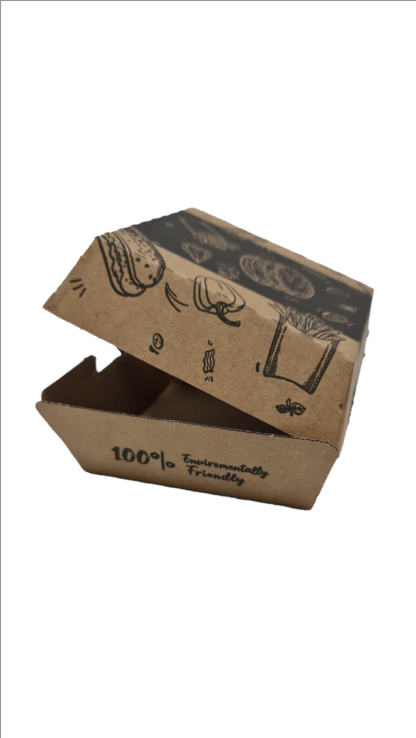
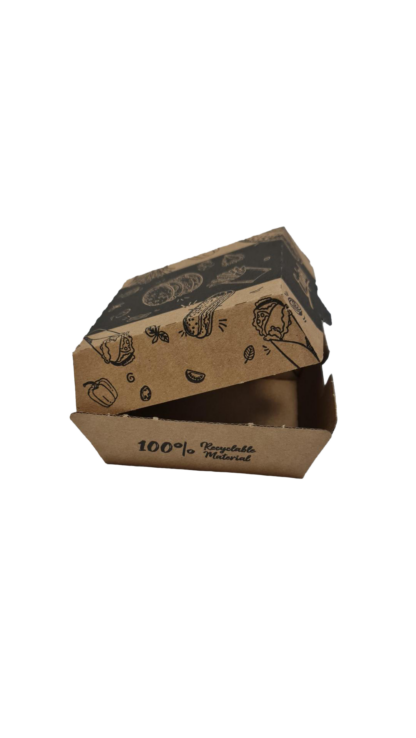
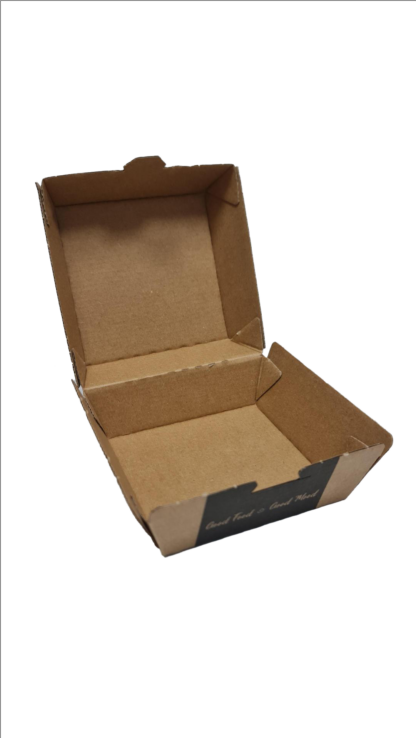
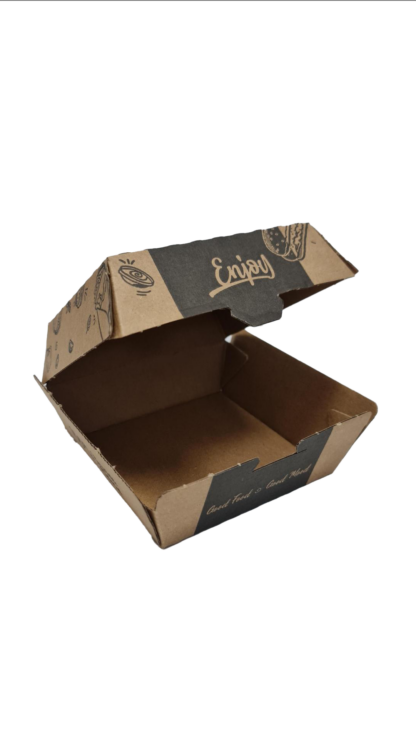
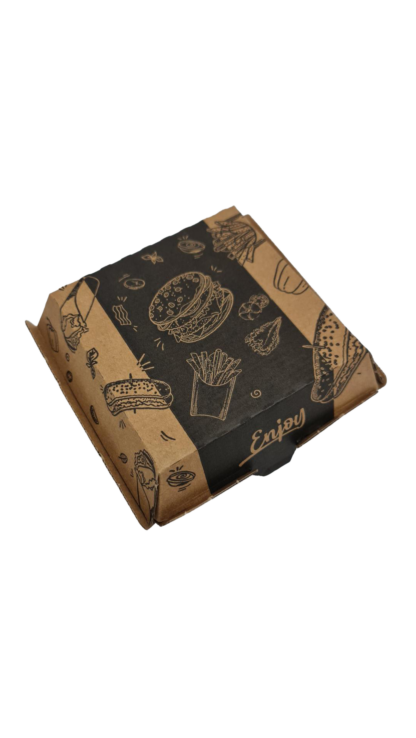
Custom Package Design

9.00

- +   - +   - +   mm
Length: min 50 - max 1000
Breadth: min 50 - max 1000
Height: min 50 - max 1000
Invalid value
{{nbd_fields['f1752489609628'].invalidOption}} is not available
{{nbd_fields['f1752489485652'].invalidOption}} is not available
{{nbd_fields['f1752489722601'].invalidOption}} is not available
{{nbd_fields['f1539154537681'].invalidOption}} is not available
{{nbd_fields['f1752490074261'].invalidOption}} is not available
{{nbd_fields['f1752489890346'].invalidOption}} is not available
{{nbd_fields['f1752489933923'].invalidOption}} is not available
{{nbd_fields['f1755591671666'].invalidOption}} is not available
{{nbd_fields['f1755591820608'].invalidOption}} is not available

Please check invalid fields and quantity input or choose a different combination!

Summary options

{{field.title}} : {{field.value_name}}
( cart fee )
( for all items )
Options price / 1 item
Quantity Discount / 1 item
Final price / 1 item
Cart item fee / all items
Subtotal price / {{_qty}} items

Table pricing

From Up to Price / 1 item
{{pt.from}} {{pt.up != '**' ? pt.up : 'or more'}}

Start and upload design

Upload design

Complete

← Back to option

How would you like to design your Custom Package Design

Upload a full design

  • - Have a complete design
  • - Have your own designer

Design here online

  • - Already have your concept
  • - Customise every detail
×

Description

Add Text to Your Design

Easily personalise your design with a wide range of text options. Choose from various fonts, colours, sizes, and styles – with full control over every detail.

  • Access a full library of fonts – find more by clicking the ‘More’ button.
  • Apply styles like bold, italic, underline, and align your text (left, centre, right, justified).
  • Customise font colour, background colour, patterns, shadows, outlines, and more.
  • Adjust line height, spacing, font size, opacity, and curve or rotate your text for creative effects.
  • Choose from preset text styles like arc, straight, or dynamic size variations.

Add Clipart with Full Control

Bring your design to life with customisable clipart features:

  • Add, move, resize, flip, centre, and rotate clipart easily.
  • Change clipart colours individually to match your design perfectly.
  • Adjust clipart opacity and zoom in or out for precision.
  • Use multiple cliparts within your design for maximum creativity.

Upload Your Own Images

Personalise even further by uploading your own images from multiple sources:

  • Upload from your device, a direct URL, or social media (e.g., Facebook).
  • Supported formats include PNG, JPG, and GIF.
  • Uploaded images are saved temporarily for easy re-use during your session.
  • Crop, rotate, zoom, and adjust opacity with a range of tools and shape options.

Free-Hand Drawing

Unleash your creativity with our easy-to-use drawing tools:

  • Choose from a variety of brushes like pencil, spray, pattern, and texture.
  • Draw free-hand, create your own signature, or add geometric shapes like rectangles, circles, and polygons.
  • Customise brush colour, width, rotation, and opacity as you draw.

Add QR Codes

Make your designs interactive by adding QR codes:

  • Quickly create and insert QR codes into your project.
  • Move, rotate, and resize QR codes or accompanying text.

Powerful Layer Management

Easily organise and control every element in your design:

  • Drag and drop layers to reorder items quickly.
  • Hide, show, or delete individual layers as needed.
  • Use scroll tools and quick-position buttons for fast layer management.

Advanced Editing Tools

Take advantage of additional tools for even greater control:

  • Zoom in, zoom out, and move elements in any direction.
  • Flip layers horizontally or vertically for mirrored designs.
  • Align elements perfectly with vertical and horizontal alignment tools.

Easy Design Preview

See exactly how your final design will look before placing your order:

  • Preview your full design with zoom functionality.
  • Inspect details closely and review every element.
  • Open a full-screen popup for an immersive preview experience.
Add Text to Your Design

Easily personalise your design with a wide range of text options. Choose from various fonts, colours, sizes, and styles – with full control over every detail.

  • Access a full library of fonts – find more by clicking the ‘More’ button.
  • Apply styles like bold, italic, underline, and align your text (left, centre, right, justified).
  • Customise font colour, background colour, patterns, shadows, outlines, and more.
  • Adjust line height, spacing, font size, opacity, and curve or rotate your text for creative effects.
  • Choose from preset text styles like arc, straight, or dynamic size variations.

Add Clipart with Full Control

Bring your design to life with customisable clipart features:

  • Add, move, resize, flip, centre, and rotate clipart easily.
  • Change clipart colours individually to match your design perfectly.
  • Adjust clipart opacity and zoom in or out for precision.
  • Use multiple cliparts within your design for maximum creativity.

Upload Your Own Images

Personalise even further by uploading your own images from multiple sources:

  • Upload from your device, a direct URL, or social media (e.g., Facebook).
  • Supported formats include PNG, JPG, and GIF.
  • Uploaded images are saved temporarily for easy re-use during your session.
  • Crop, rotate, zoom, and adjust opacity with a range of tools and shape options.

Free-Hand Drawing

Unleash your creativity with our easy-to-use drawing tools:

  • Choose from a variety of brushes like pencil, spray, pattern, and texture.
  • Draw free-hand, create your own signature, or add geometric shapes like rectangles, circles, and polygons.
  • Customise brush colour, width, rotation, and opacity as you draw.

Add QR Codes

Make your designs interactive by adding QR codes:

  • Quickly create and insert QR codes into your project.
  • Move, rotate, and resize QR codes or accompanying text.

Powerful Layer Management

Easily organise and control every element in your design:

  • Drag and drop layers to reorder items quickly.
  • Hide, show, or delete individual layers as needed.
  • Use scroll tools and quick-position buttons for fast layer management.

Advanced Editing Tools

Take advantage of additional tools for even greater control:

  • Zoom in, zoom out, and move elements in any direction.
  • Flip layers horizontally or vertically for mirrored designs.
  • Align elements perfectly with vertical and horizontal alignment tools.

Easy Design Preview

See exactly how your final design will look before placing your order:

  • Preview your full design with zoom functionality.
  • Inspect details closely and review every element.
  • Open a full-screen popup for an immersive preview experience.